Photo Maker is an AI-powered tool for creating and editing images in a variety of styles. Change backgrounds, transform the appearance of objects, and experiment with different looks to create unique visual content.
🎛 Navigation:
🏠 Main Menu > 🎨 Images > 📸 Photo Maker
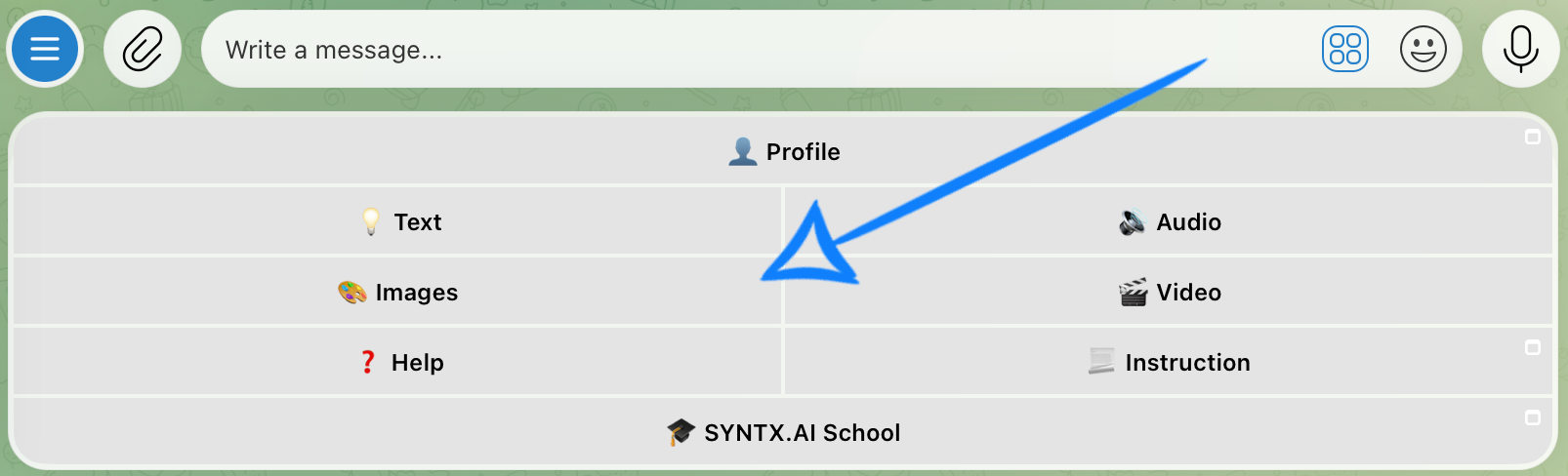
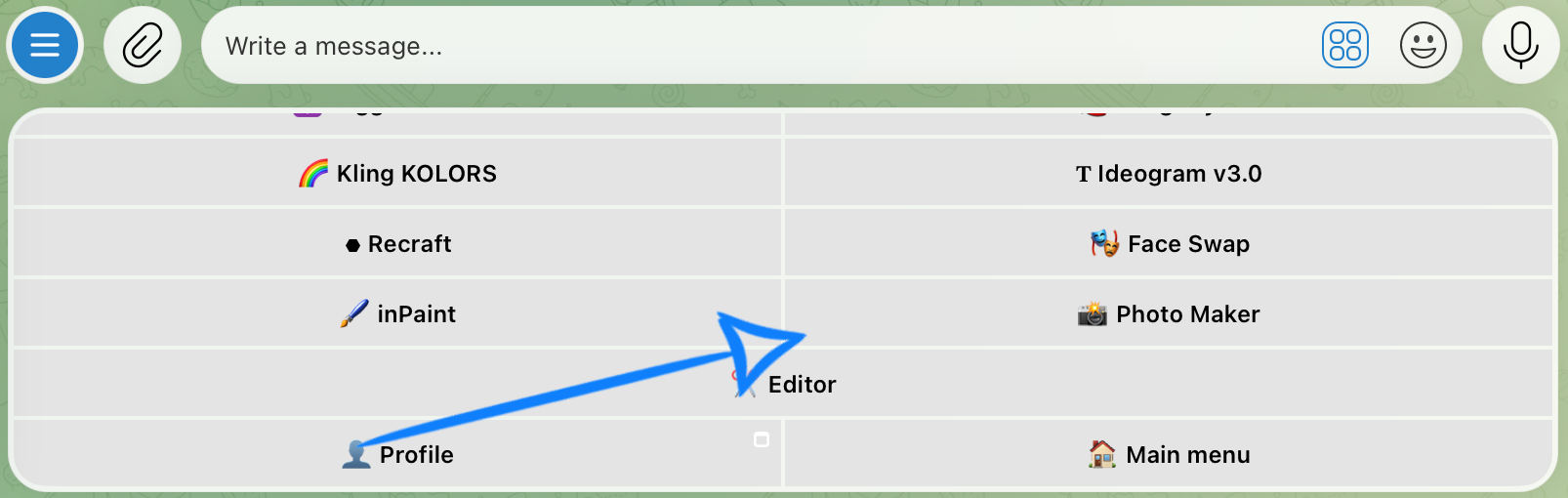
💥 Step-by-Step Guide to Using Photo Master
First, upload the image you want to work with.
Image Upload
Technical requirements for images:
- Supported formats: JPEG, PNG
- Maximum file size: 3 MB
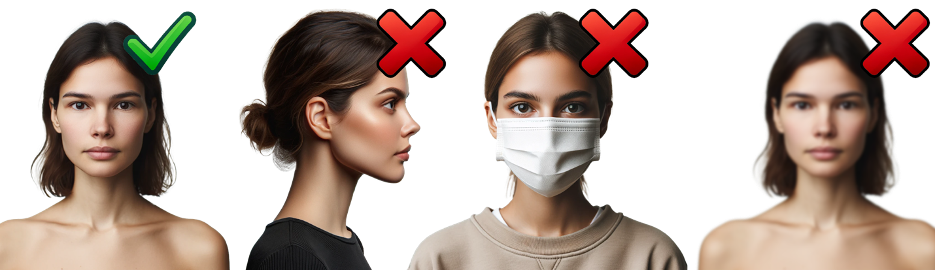
❣️ For best results, we recommend using high-resolution photos with only one person in the frame. Ideally, the face should be centered, well-lit, clearly visible, and free from blur or distortion.
❣️ To preserve maximum image quality, we recommend uploading photos as files rather than images. This helps avoid additional compression.
For example:
Next, you will need to configure the generation settings.
Generation Settings
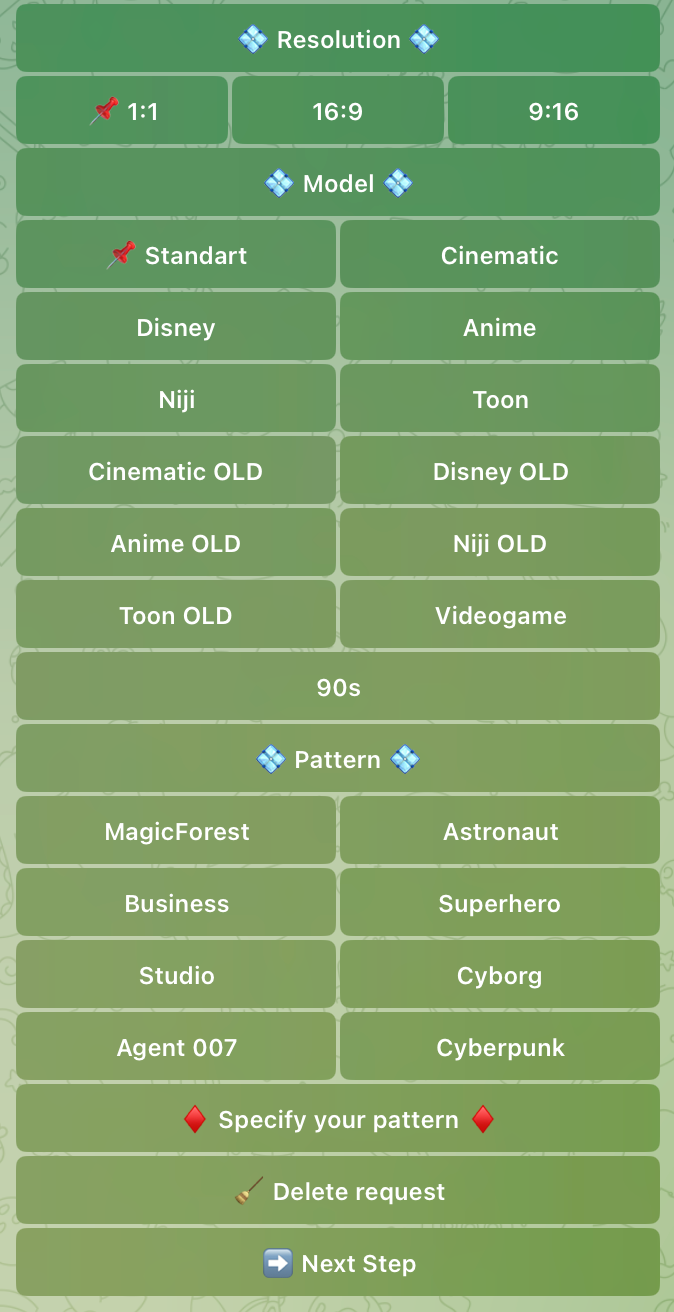
💠 Resolution
Three aspect ratio options are available: 1:1 (default), 16:9, and 9:16.
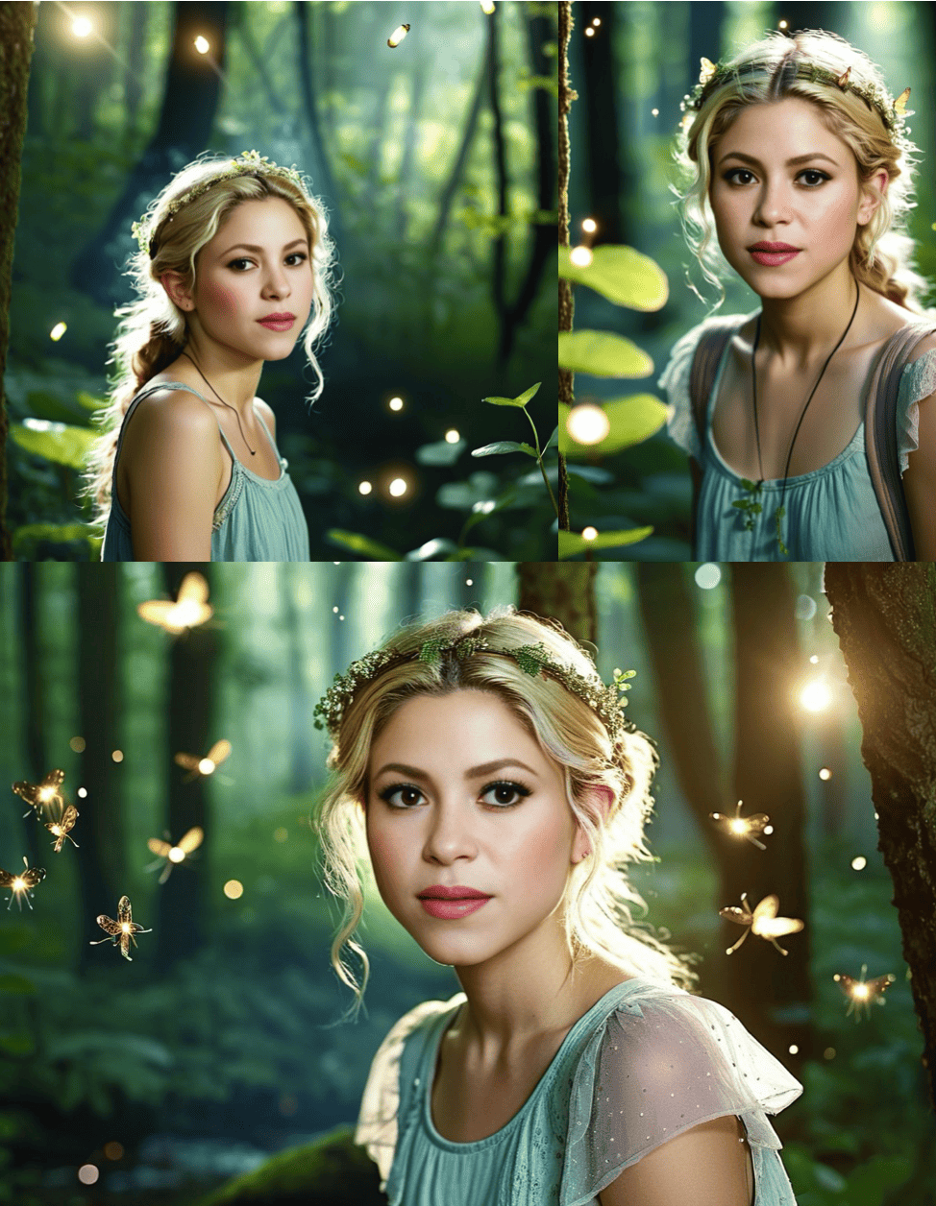
Examples: 1:1, 9:16, 16:9 Standard, MagicForest.
💠 Model
You can choose from a variety of available generation styles. Different stylistic directions allow you to create unique visual concepts and tailor the result to your needs.
Cinematic, MagicForest
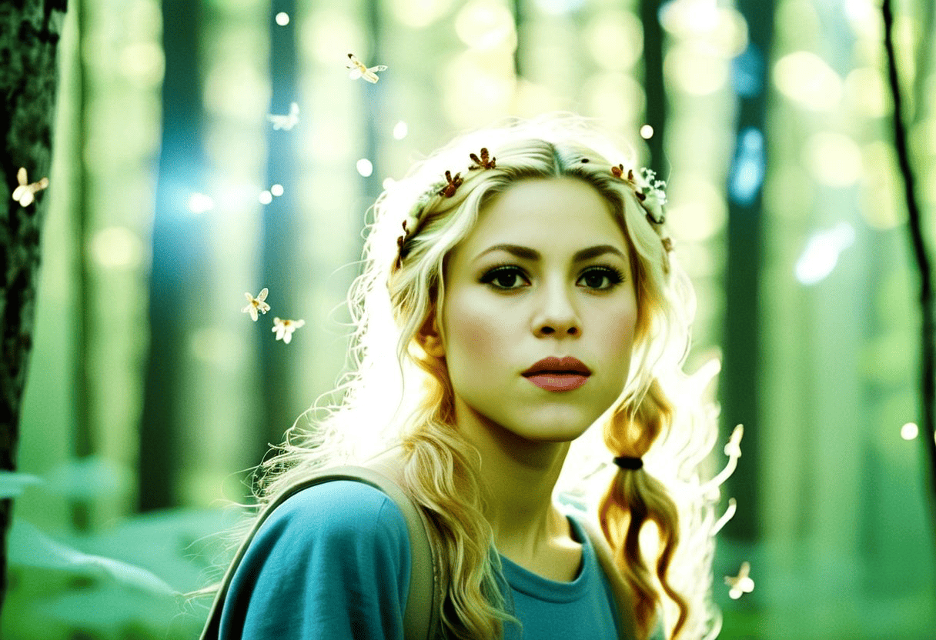
Disney, MagicForest
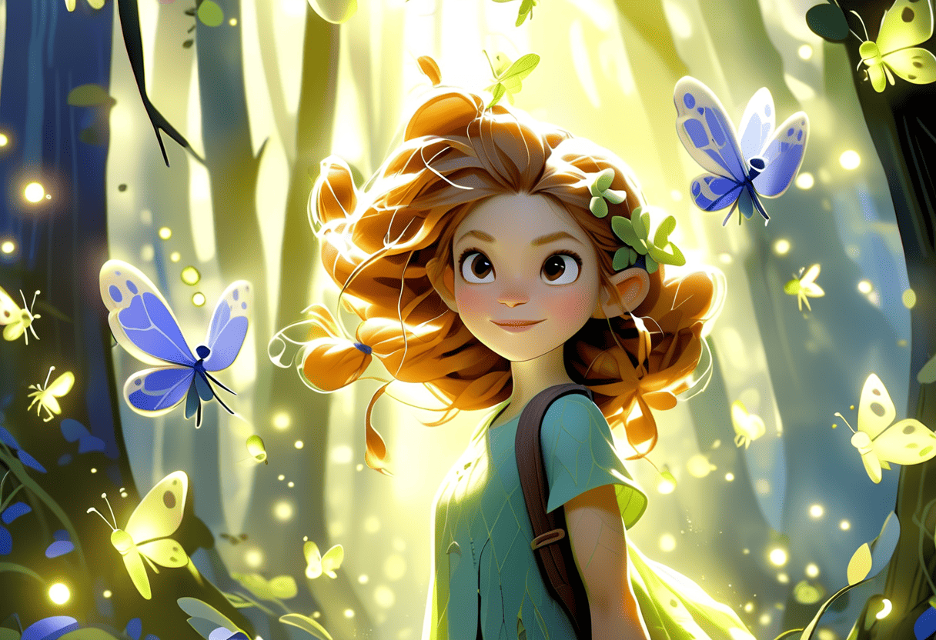
Anime, MagicForest
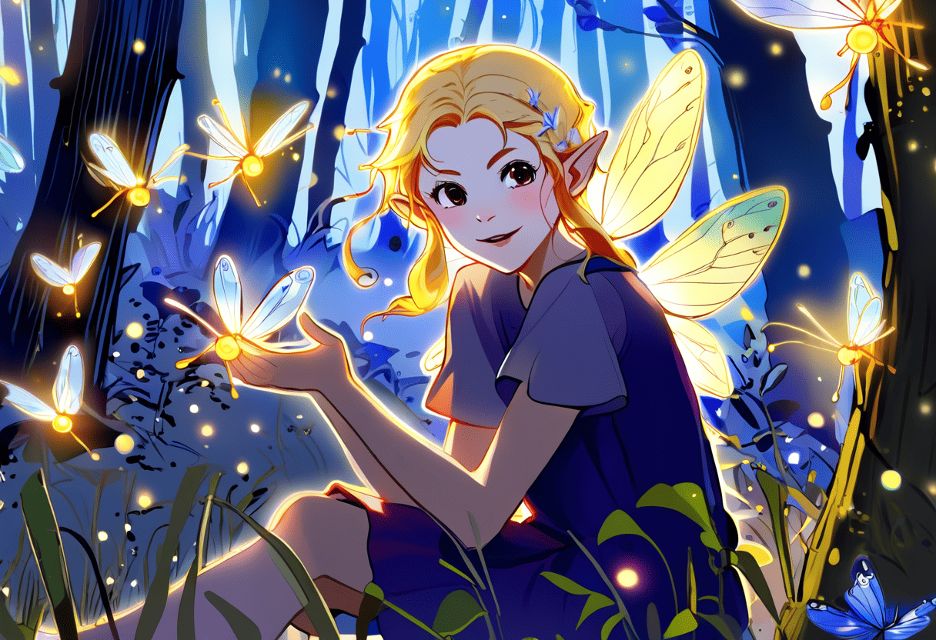
Niji, MagicForest
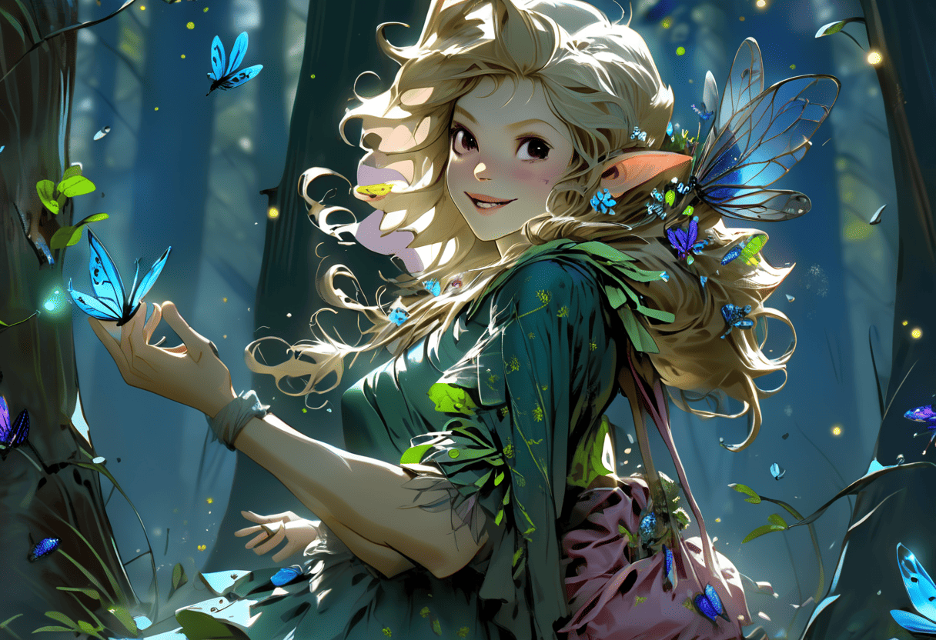
Toon, MagicForest
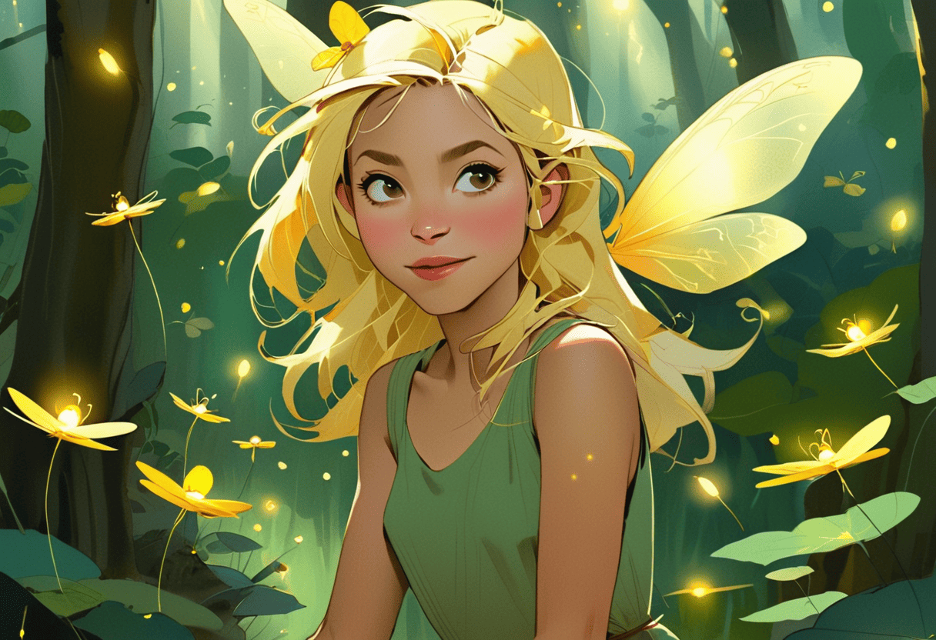
Cinematic OLD, MagicForest
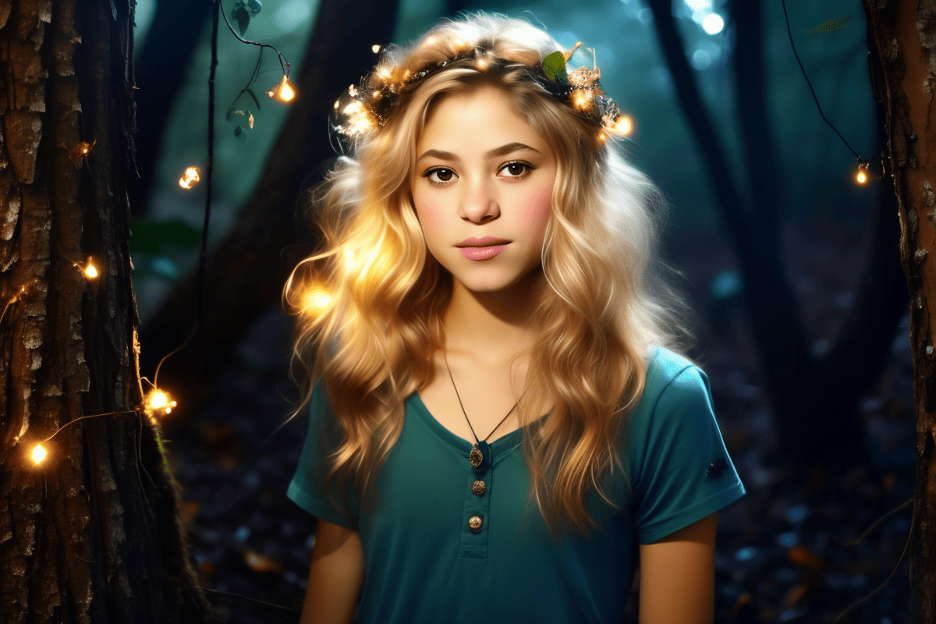
Disney OLD, MagicForest
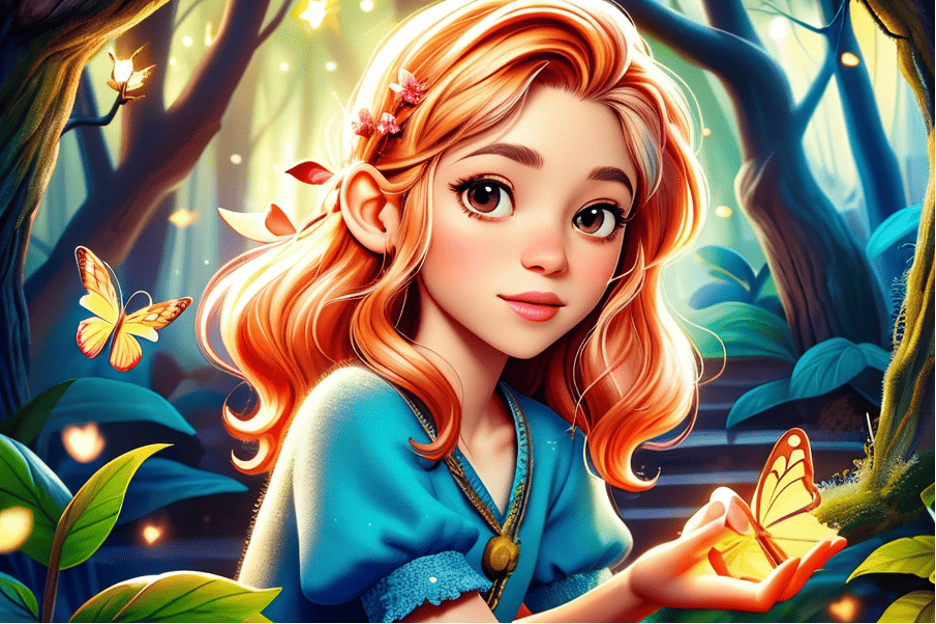
Anime OLD, MagicForest
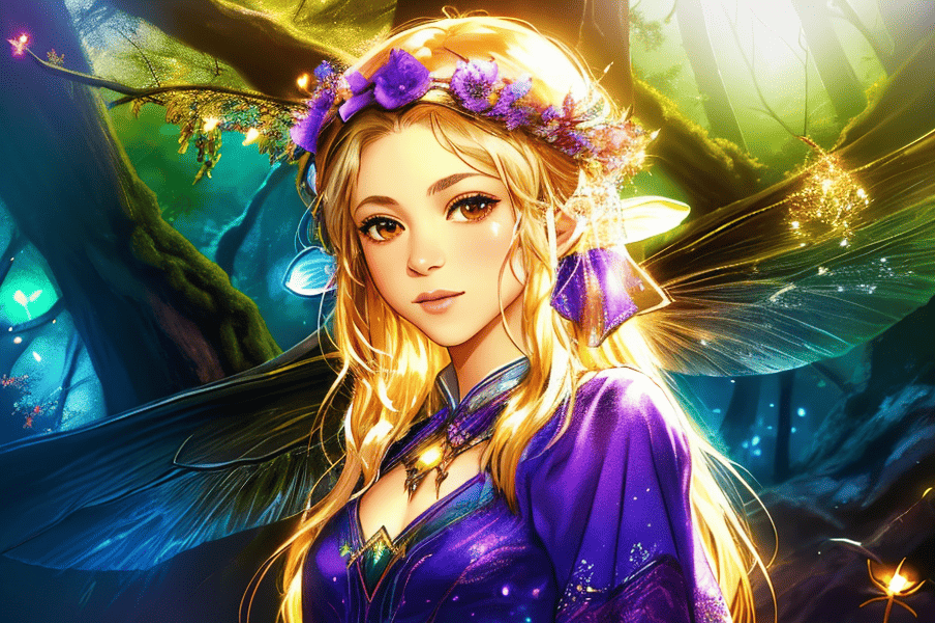
Niji OLD, MagicForest
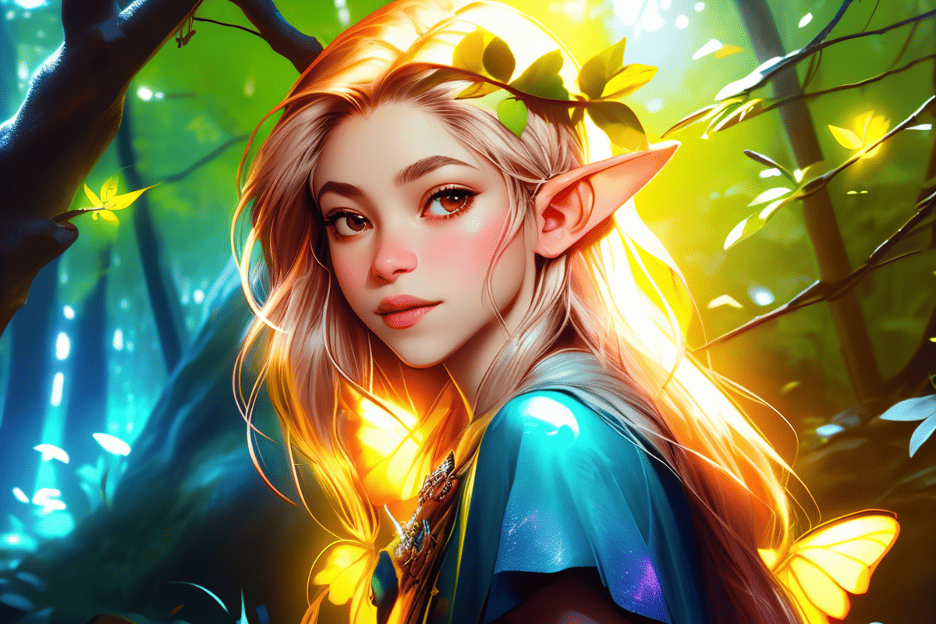
Toon OLD, MagicForest
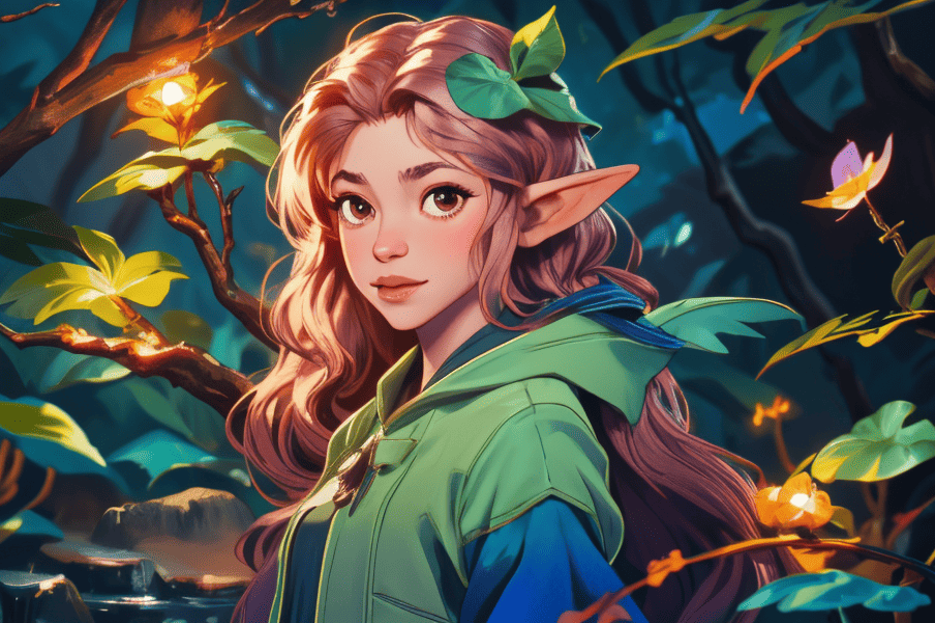
VideoGames, MagicForest
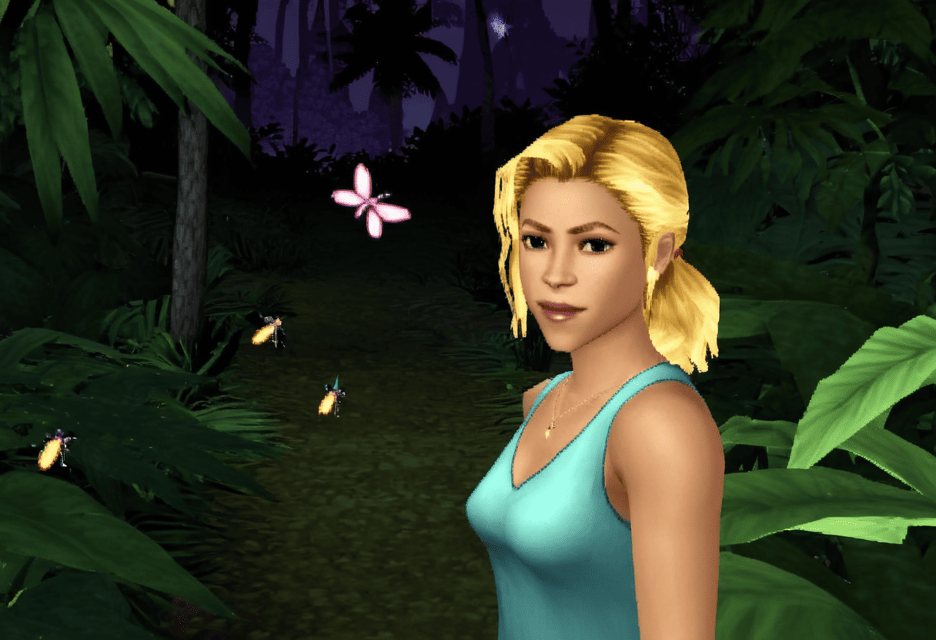
90s, MagicForest
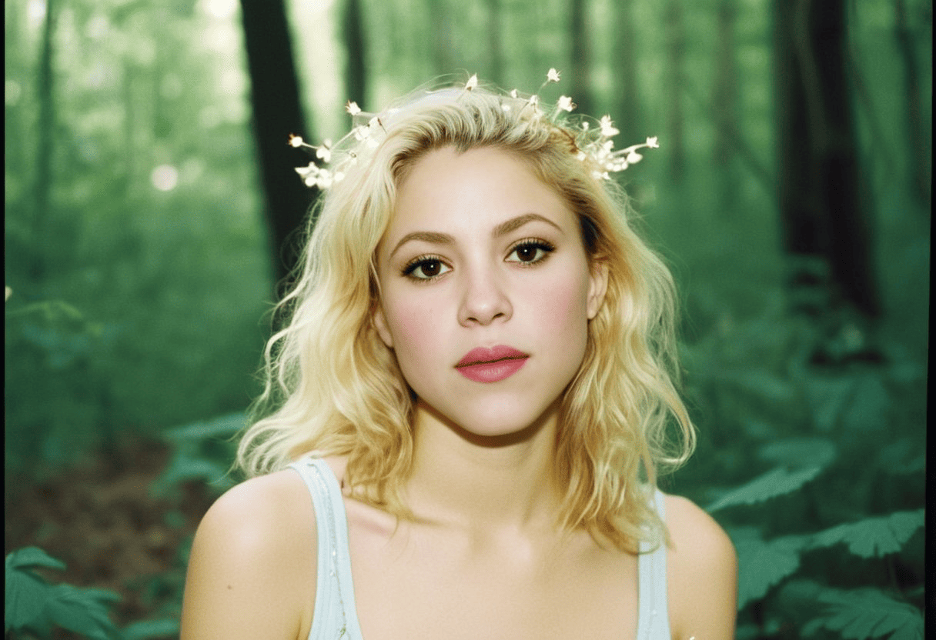
💠 Pattern
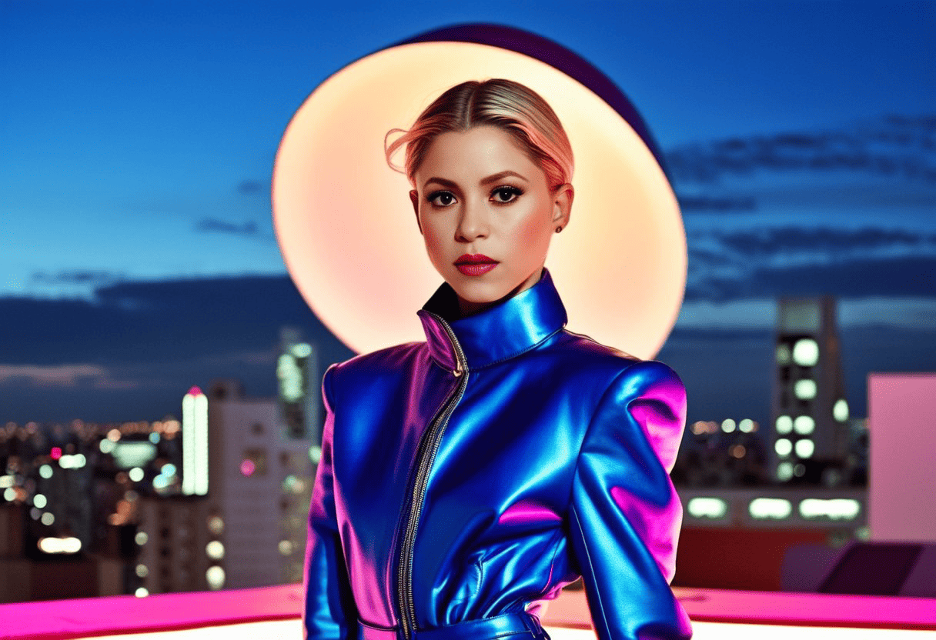
You can choose one of the available patterns to create a unique visual result. This helps define the style and overall appearance of the final image.
Standart, Astronaut
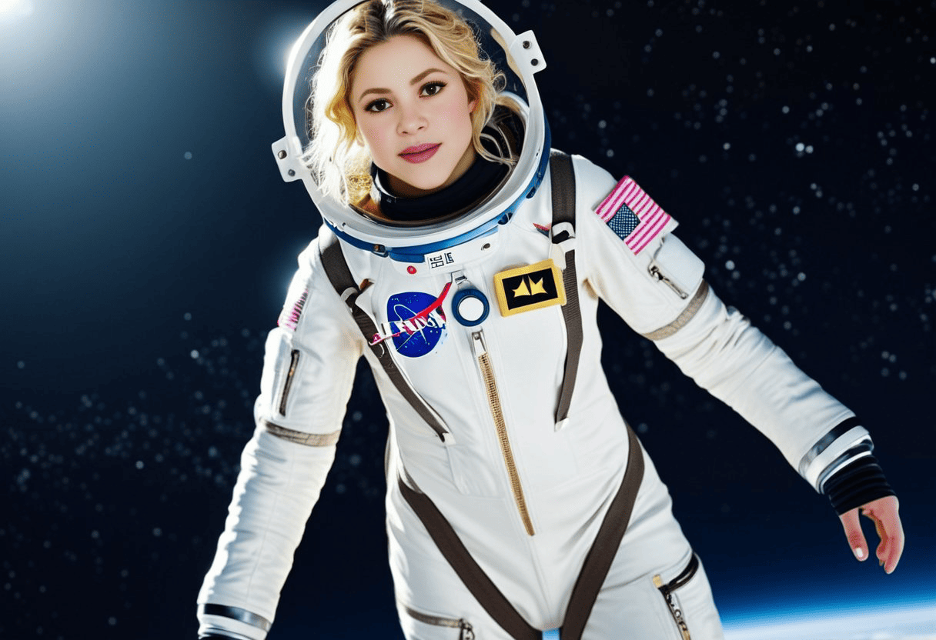
Standart, Business
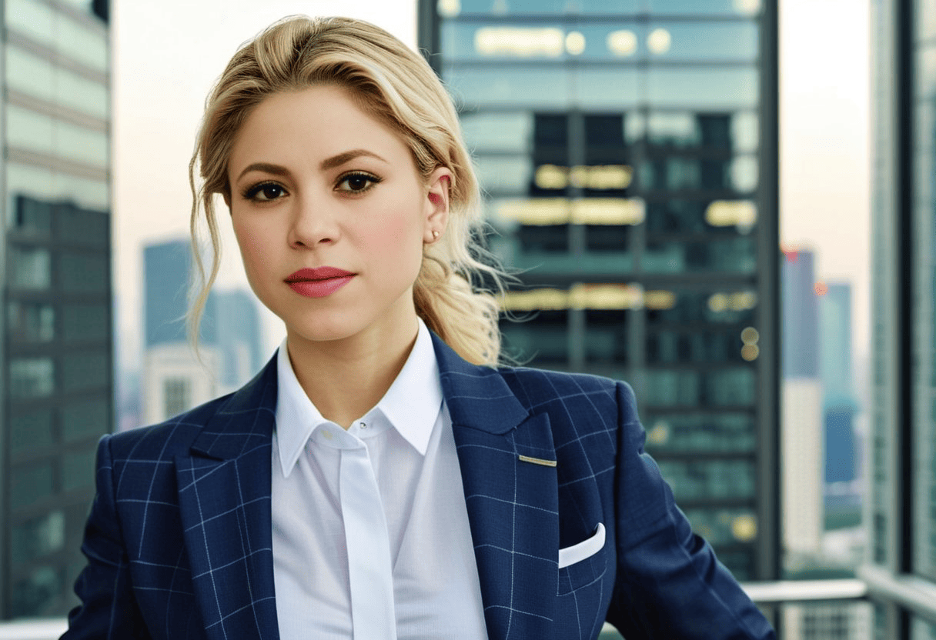
Standart, Superhero
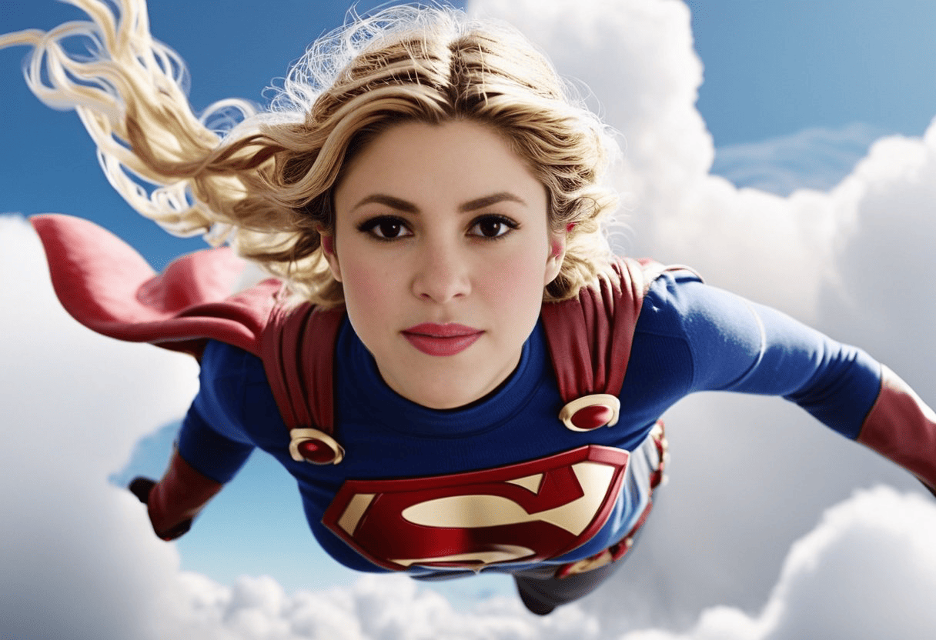
Standart, Studio
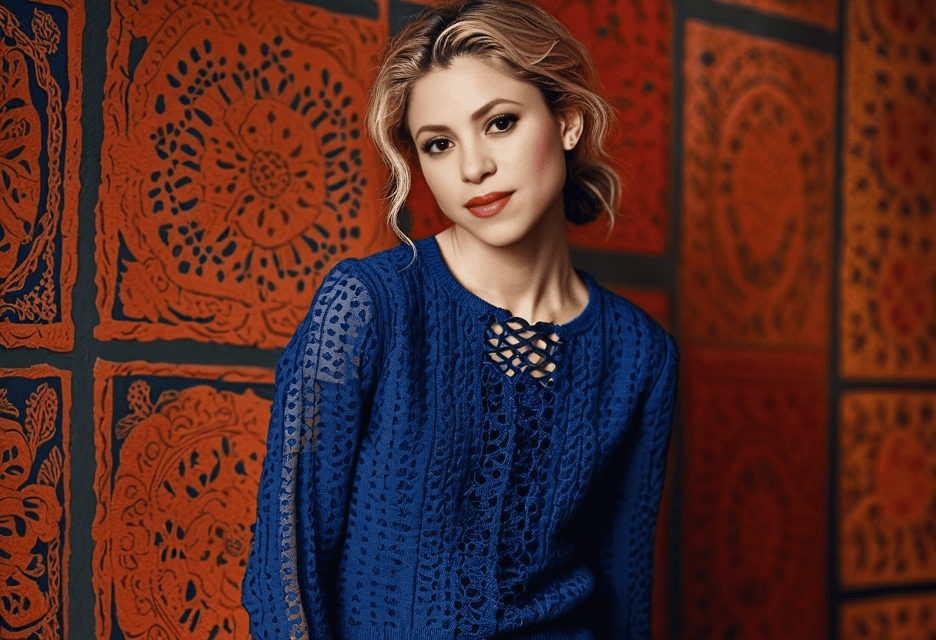
Standart, Cyborg
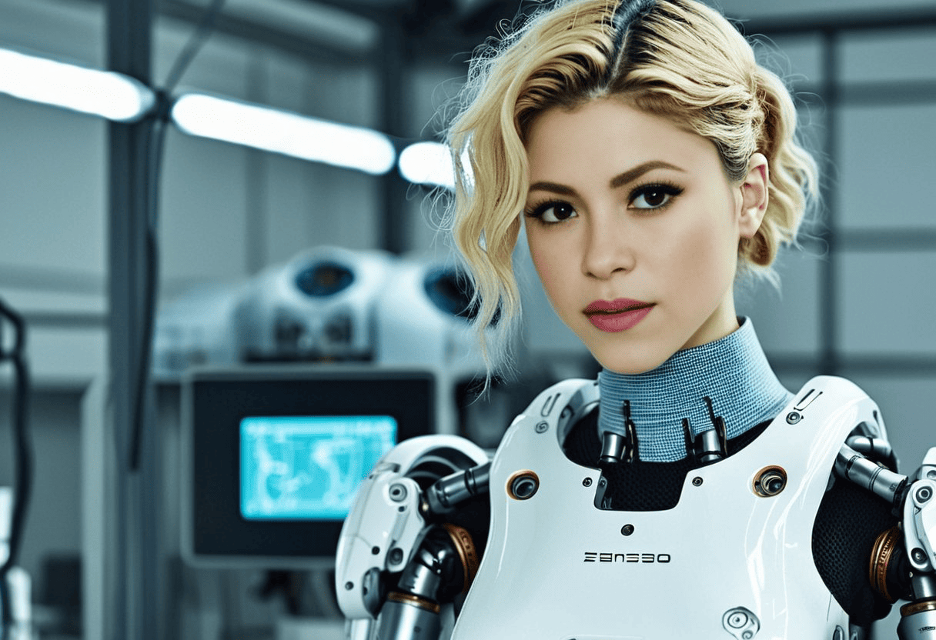
Standart, Agent 007
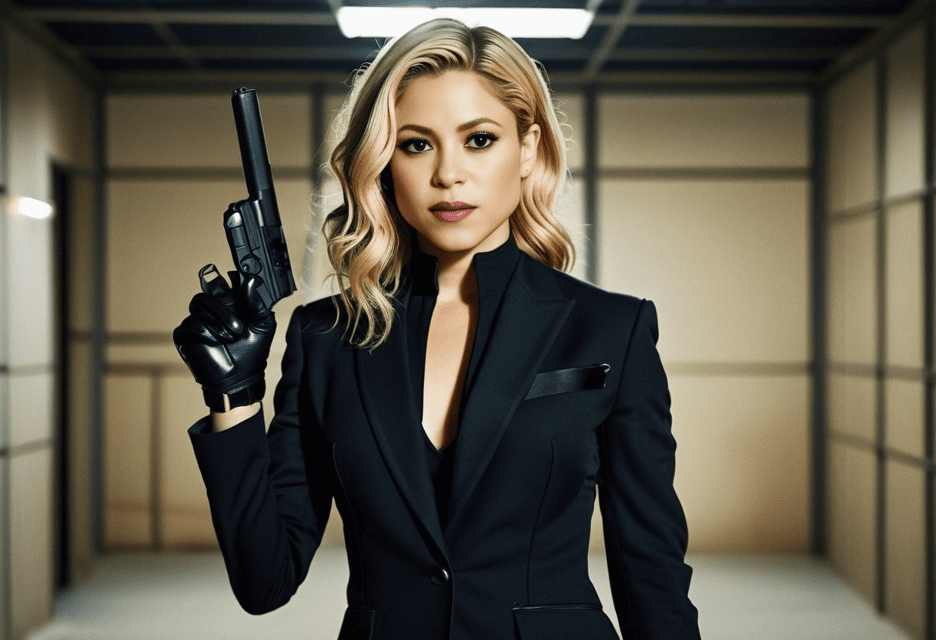
Standart, Cyberpunk
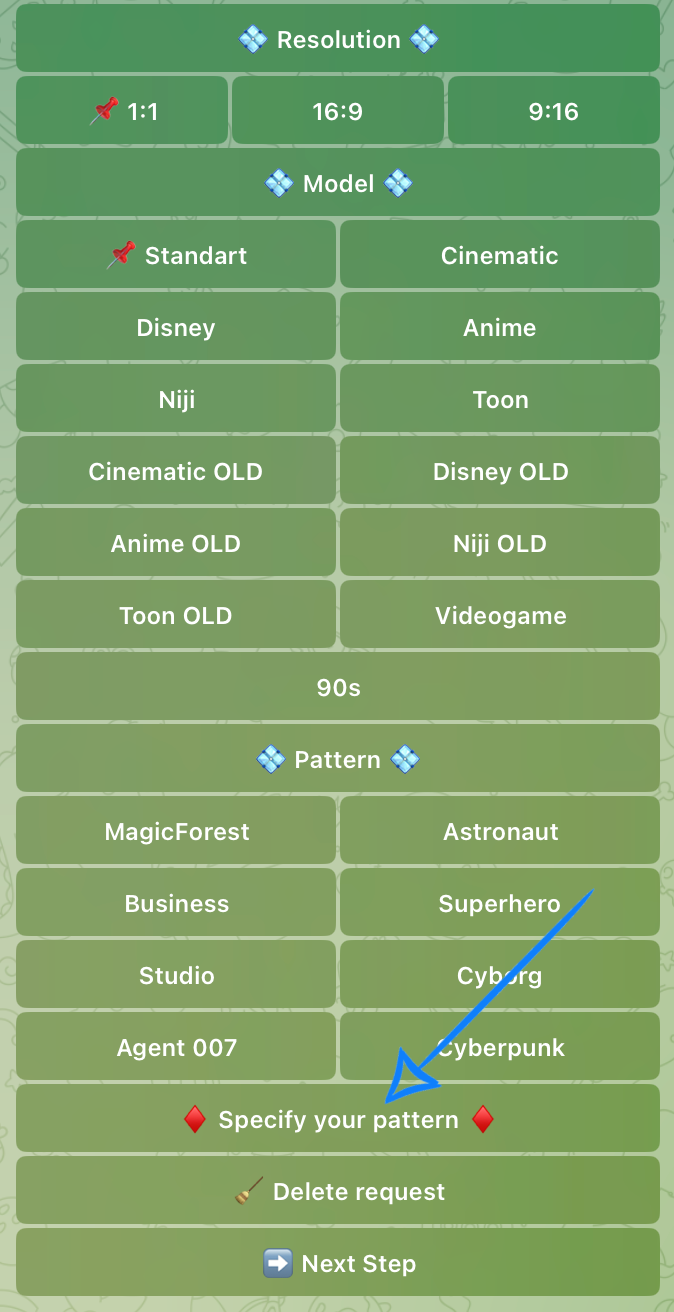
Specify your pattern
You can also create a custom look by specifying the desired appearance, style, and other details in a text description.
Provide a detailed description of the desired look by listing key details separated by commas.
For example:
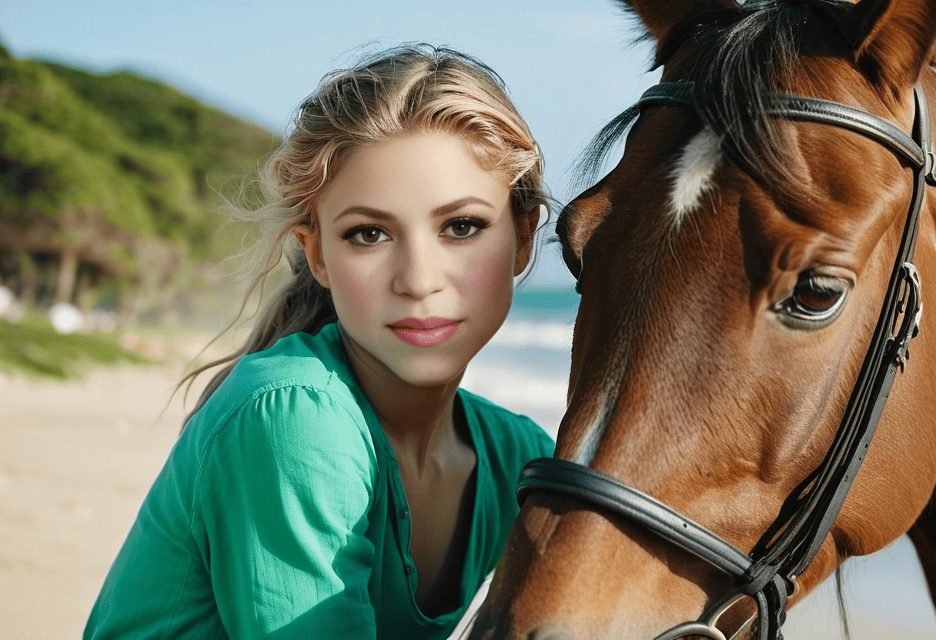
“Young woman standing next to a horse, brown eyes, beach in the background”
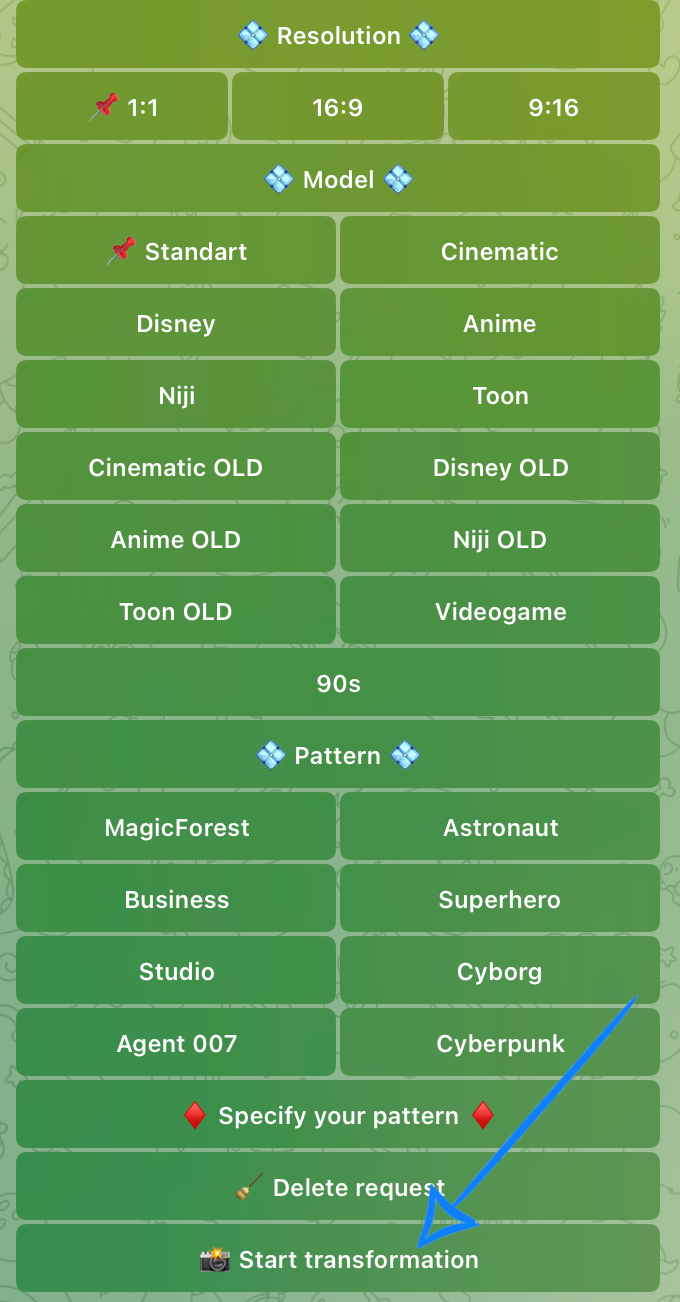
After entering your prompt, click the “Start Transformation” button to generate the image.
Thank you for taking the time to explore the Photo Master guide. We hope our tools help you bring your boldest and most creative ideas to life! 🌟
SYNTX AI: Syntx AI
SYNTX Support: Syntx Support
YouTube channel “SYNTX”: Syntx YouTube
SYNTX.AI Academy: SYNTX Academy